Your memory,
in your pocket.
The iOS app is a native browser for your memory: full-text search, quick heart and Save me actions, named Boards, reminders and gesture-first item controls — kept in sync with your Mac through your own private iCloud.
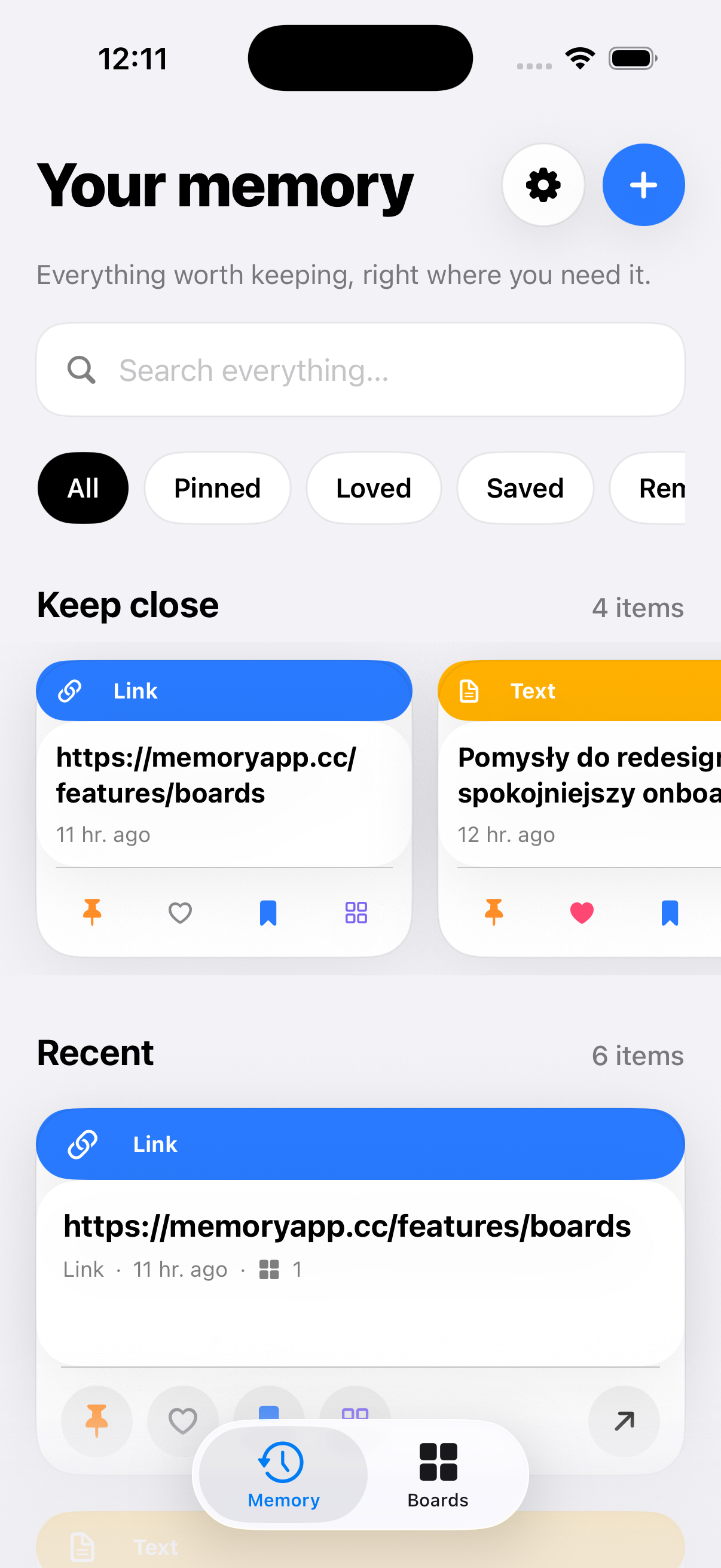
Search your whole memory
Type to search history, Pinned, Loved, Saved and every named Board, with results updating instantly.
Swipe left or right
Swipe left to move an item to Deleted. Swipe right to pin or unpin it and keep it at the top.
Tap for the detail sheet
A tap opens the full item without changing it: preview, metadata and every relevant action in one sheet.
Long-press for every action
Copy, pin, heart, Save me, add to a Board, set a reminder, open a safe link or delete — without opening the item first.
Four actions on every card
Pin, heart, Save me and the four-square Add to Board action are visible on every item. Pinned, Loved and Saved are created automatically.
All Boards view
Browse Pinned, Loved, Saved and every Board you created, then open one to see all its text, links, images, files and colors.
Reminders that open the item
Pick a date and time. Tapping the local notification deep-links straight to that item's detail sheet.
Clickable, safe web links
Recognized http and https links open through the system. Unsupported schemes are never launched automatically.
Add from clipboard
A single button captures whatever is currently on the iOS clipboard into your local memory.
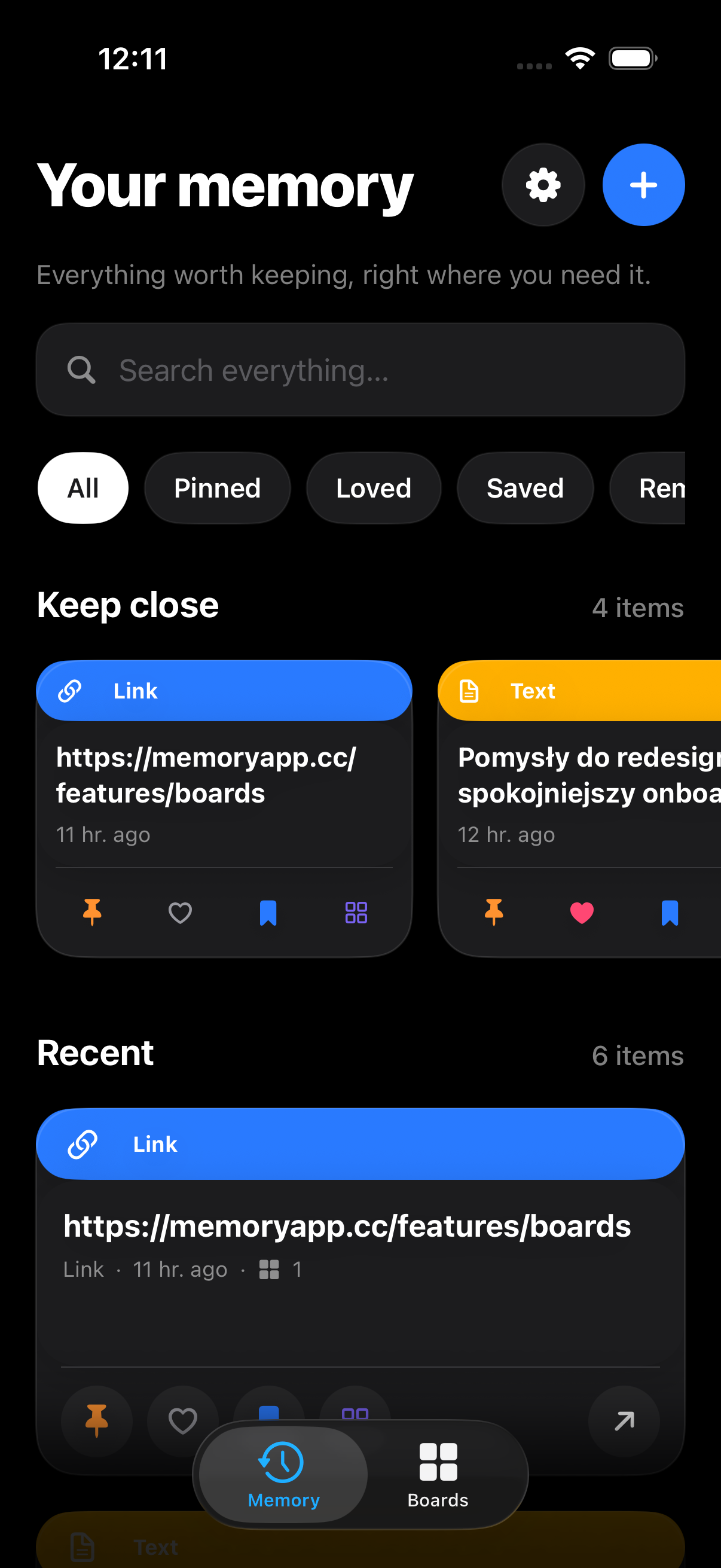
Light, dark, English and Polish
SwiftUI end to end. English is the base interface, Polish is included, and the app follows your system appearance out of the box.
One memory,
across your devices.
Cross-device iCloud sync runs on a private CloudKit database under your own Apple account, with no SyncPocket App servers in between and nothing for us to see.